Settings and account
Your logo and colour
Make the booking page and the emails to customers look like your company.
Logo and accent colour
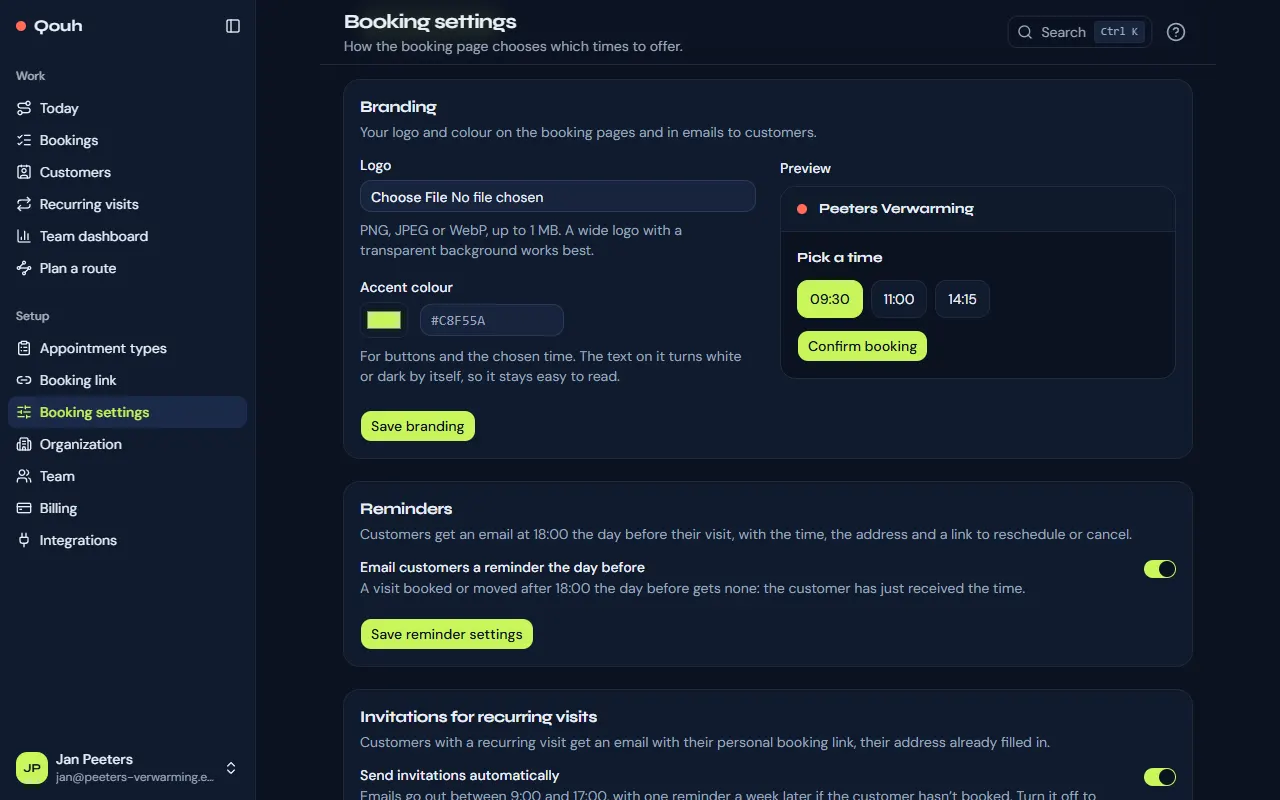
Under Setup → Booking settings → Branding, upload your logo (PNG, JPEG or WebP, up to 1 MB; a wide logo on a transparent background works best) and choose an accent colour. The preview shows the result before you save.
Easy to read
The accent colour is used for buttons and the chosen time. The text on it turns white or dark by itself, so it stays easy to read.
Part of Pro
Branding is part of Pro. On another plan your settings are kept for when you switch, and the booking page shows the standard look.
Still stuck? Ask us.