Customers
Customers and importing your list
Everyone who booked with you, the customers you add, and your existing list in one go.
Your customers
Customers (under Work, for owners and admins) lists everyone who booked, plus the customers you add or import, with their address and their last and next visit. Search by name, email or address.
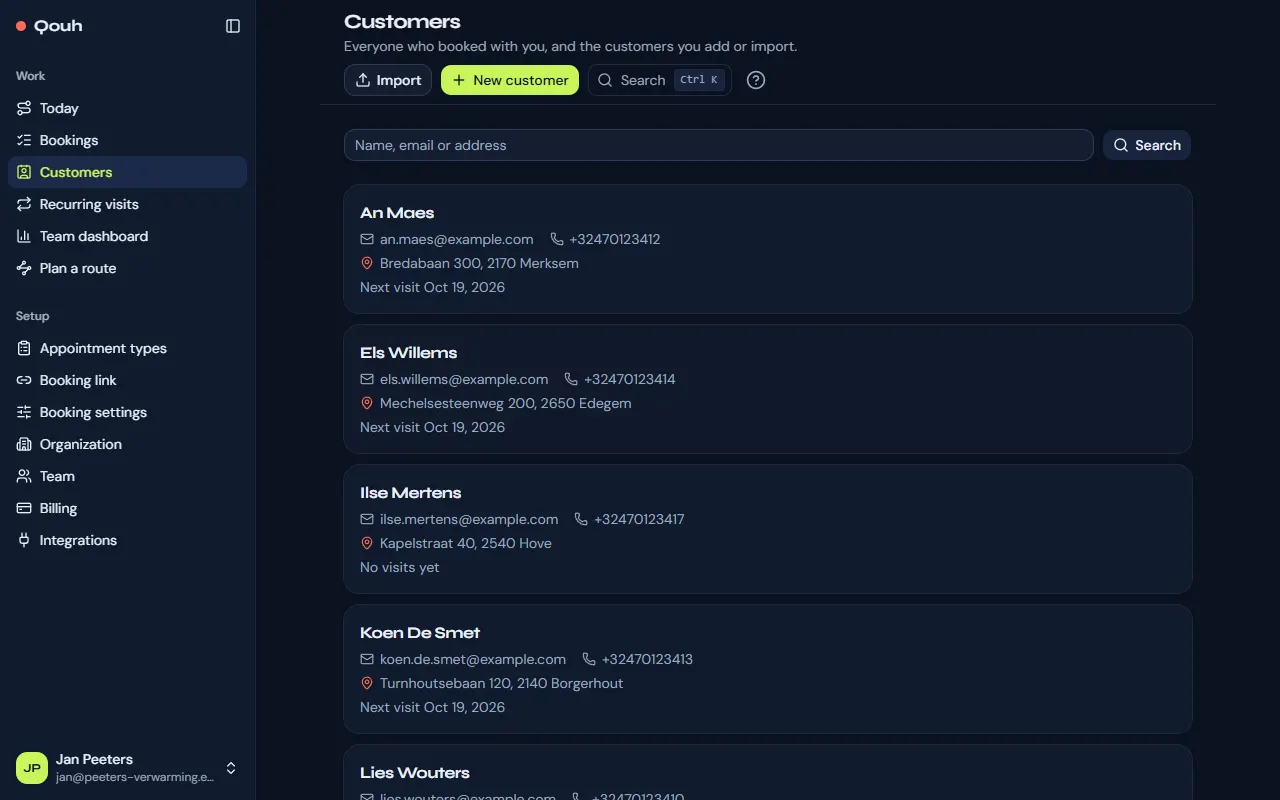
A customer’s page
Open a customer to change their details and the language of their emails, see their visits, and manage their recurring visits. “New customer” adds one by hand.
Import your customer list
Your spreadsheet can be an Excel file (.xlsx; the first sheet is read) or a CSV file. Choose Import:
- Choose the file. “Download a template” gives a file with the right columns if you want to start from that.
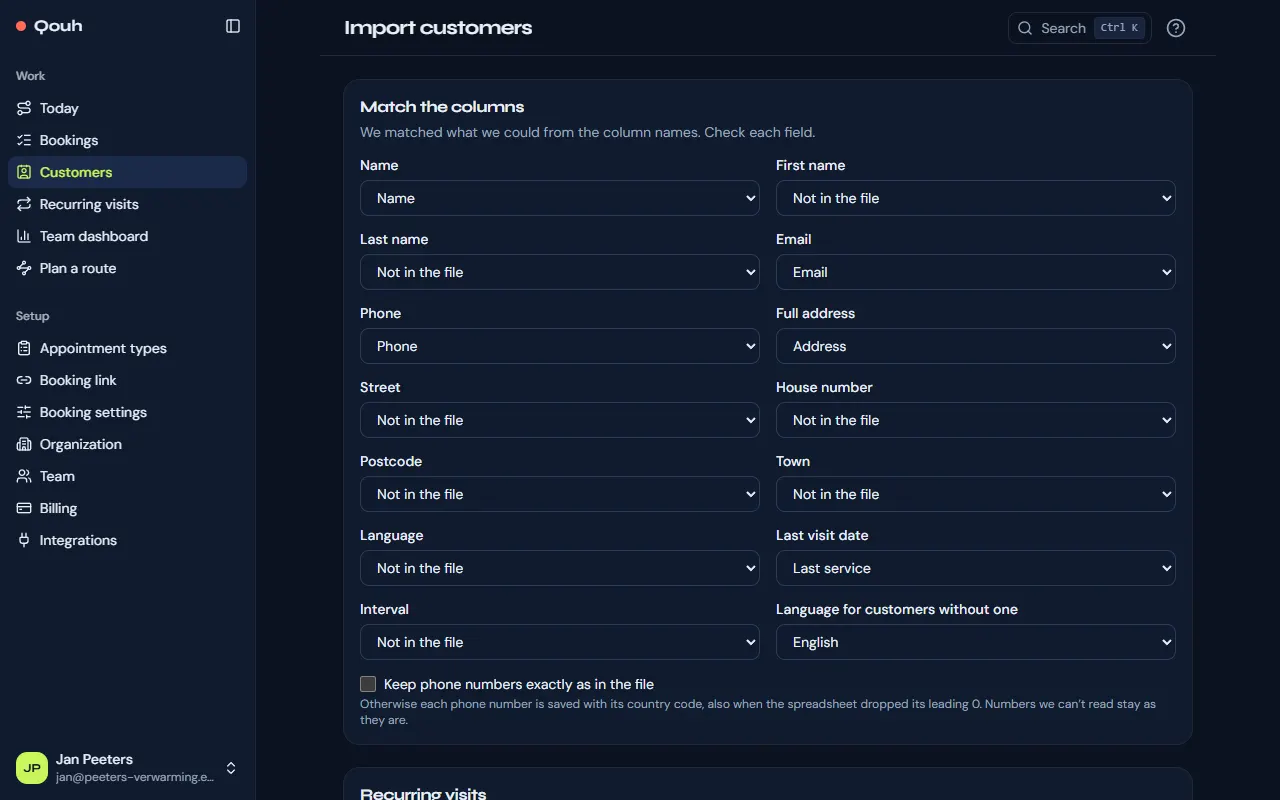
- Check how the columns were matched: the name and the email address are needed, an address is useful.
- “Check the import” shows what will be added, updated or skipped and why. Then import.
Addresses the map can’t find
After an import the addresses are looked up on the map. Any that can’t be found are under “Address not found”: open the customer and search for the address.
Still stuck? Ask us.