Your team
The team dashboard
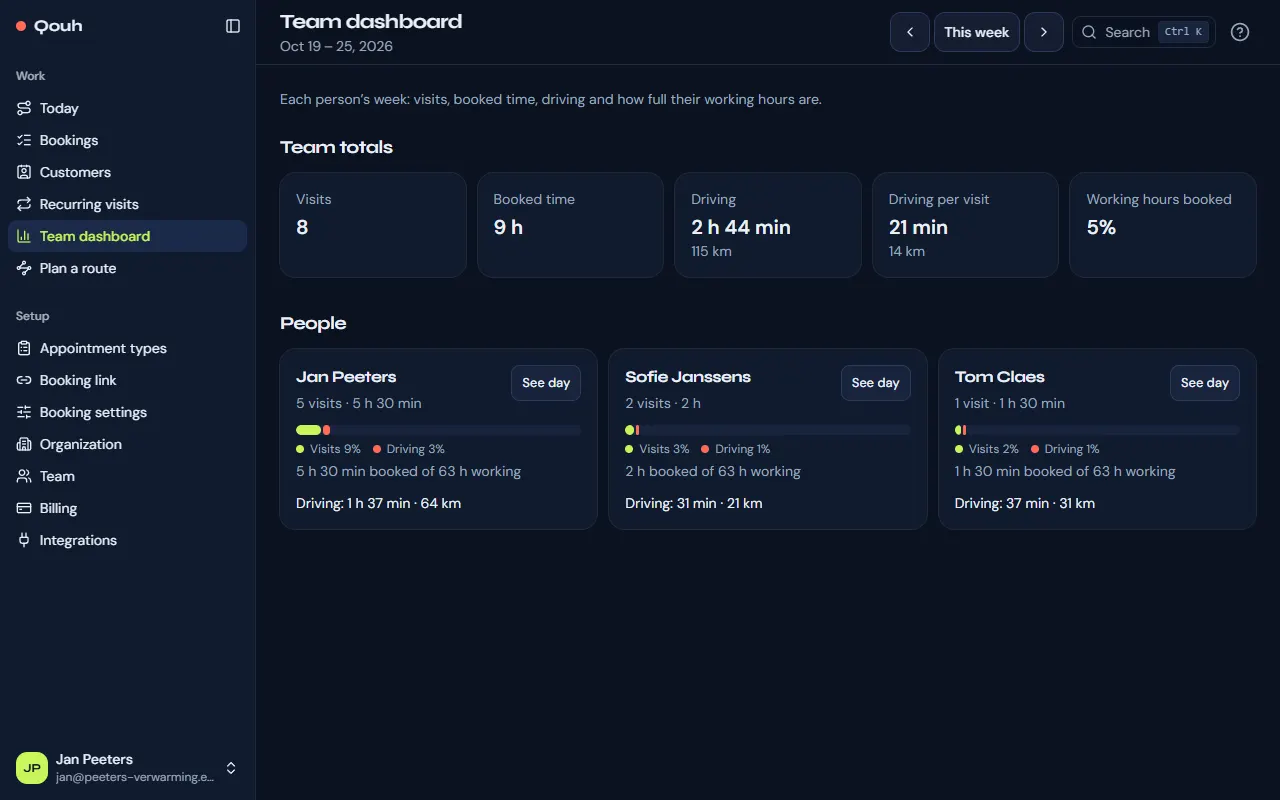
Each person’s week at a glance: visits, booked time, driving and how full their hours are.
The week
Team dashboard (under Work, on Pro) shows a week at a time. Step to other weeks with the arrows, and back with “This week”.
The numbers
At the top, the team’s totals: visits, booked time, driving, driving per visit and how much of the working hours is booked.
Each person
A card per person shows their visits, booked time and driving, a bar with the share of visits and driving in their working hours, and their next visit today. Open their day from the card.
Still stuck? Ask us.