Settings and account
Sign-in and security
Two-step verification, backup codes and your password.
Two-step verification
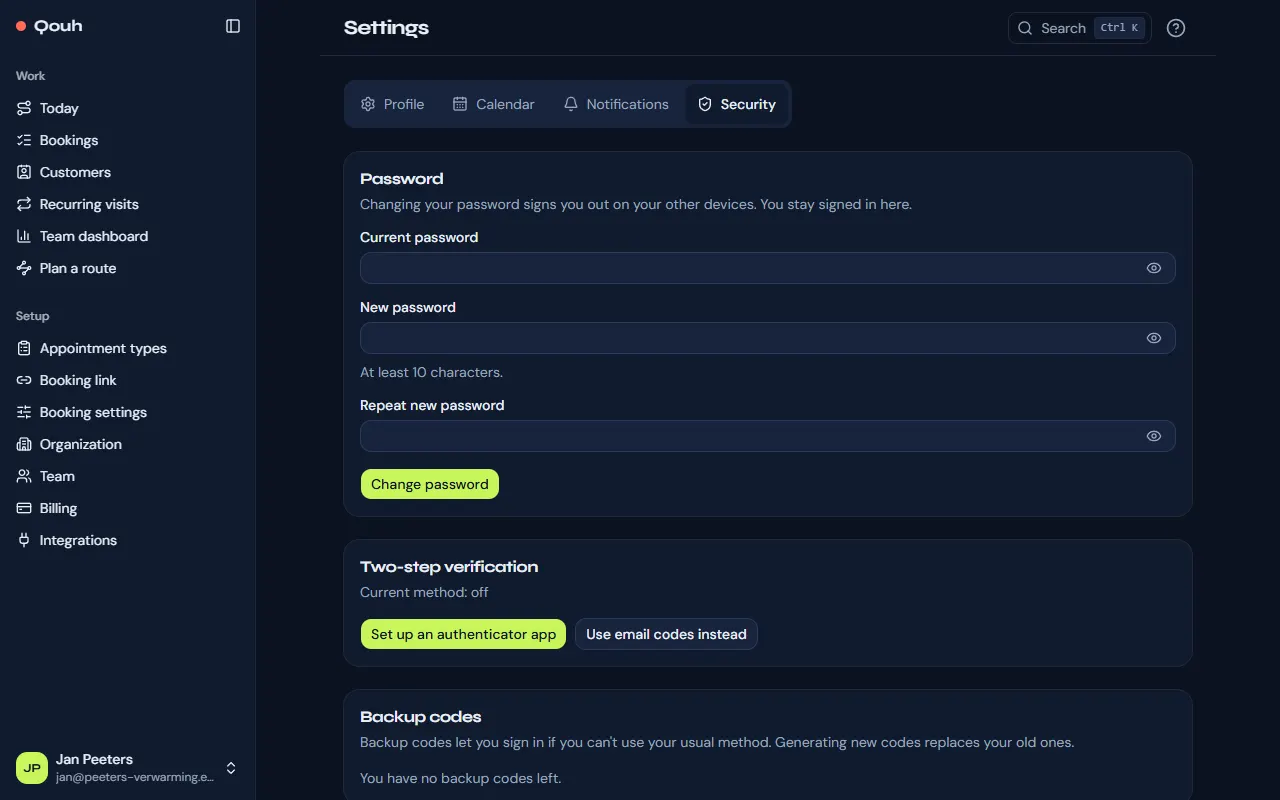
Besides your password, signing in asks for a code: from an authenticator app, or sent by email. Owners and admins set it up at their first sign-in; reps can set it up under Settings → Security. There you can also turn it off with your password, but we recommend keeping it on.
Backup codes
Backup codes let you sign in when you can’t use your usual method. Keep them somewhere safe; “Generate new backup codes” replaces the old ones.
Lost your phone?
Sign in with a backup code. Without one, ask an owner of your company (or an admin, if you are a rep) to reset your two-step verification on your page under Team. An owner whose company has no other owner can contact us.
Your password
Change it under Settings → Security; your other devices are signed out. Forgot it? Use “Forgot your password?” on the sign-in page to get a link by email.
Still stuck? Ask us.