Day to day
Bookings: reassign, move and cancel
See what’s coming up, and change a visit when plans change.
See what’s coming up
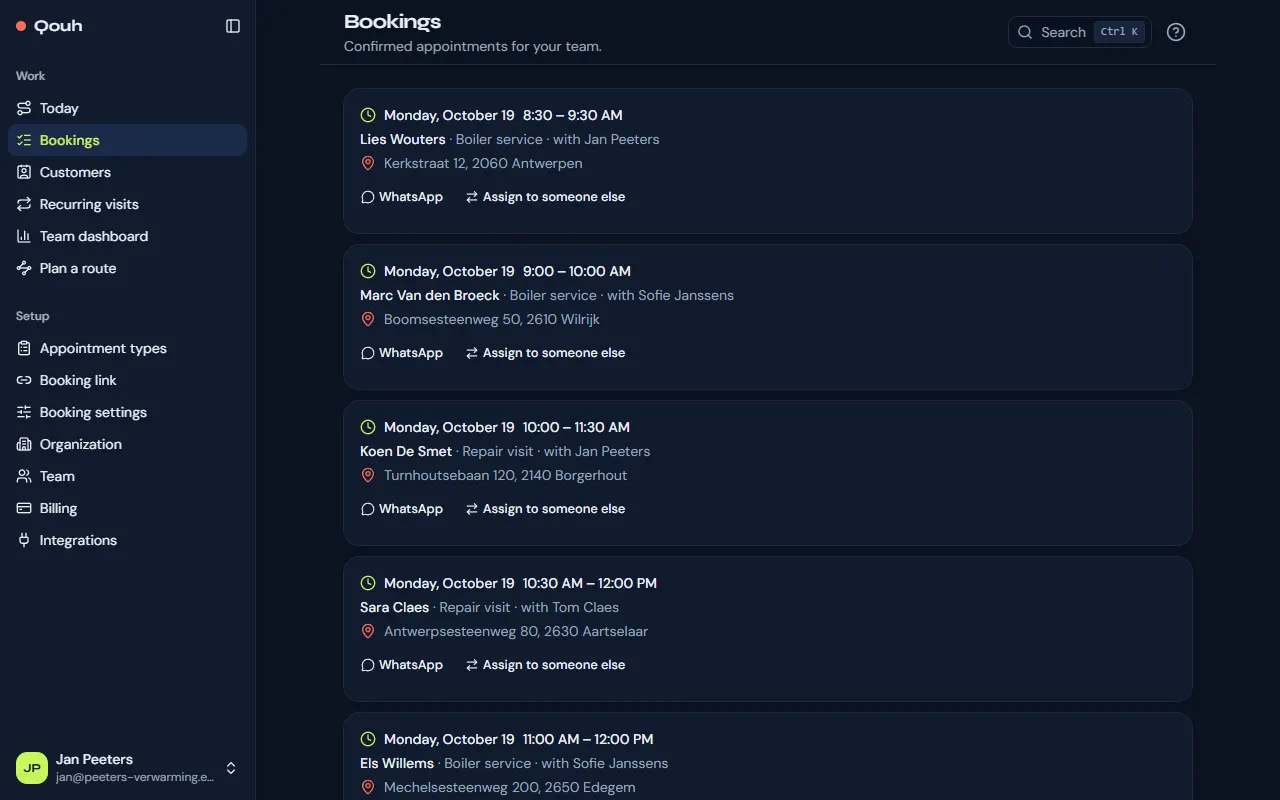
Bookings lists the confirmed appointments ahead: your own as a rep, the whole team’s as an owner or admin, each with the customer, the time and who goes.
Give a visit to someone else
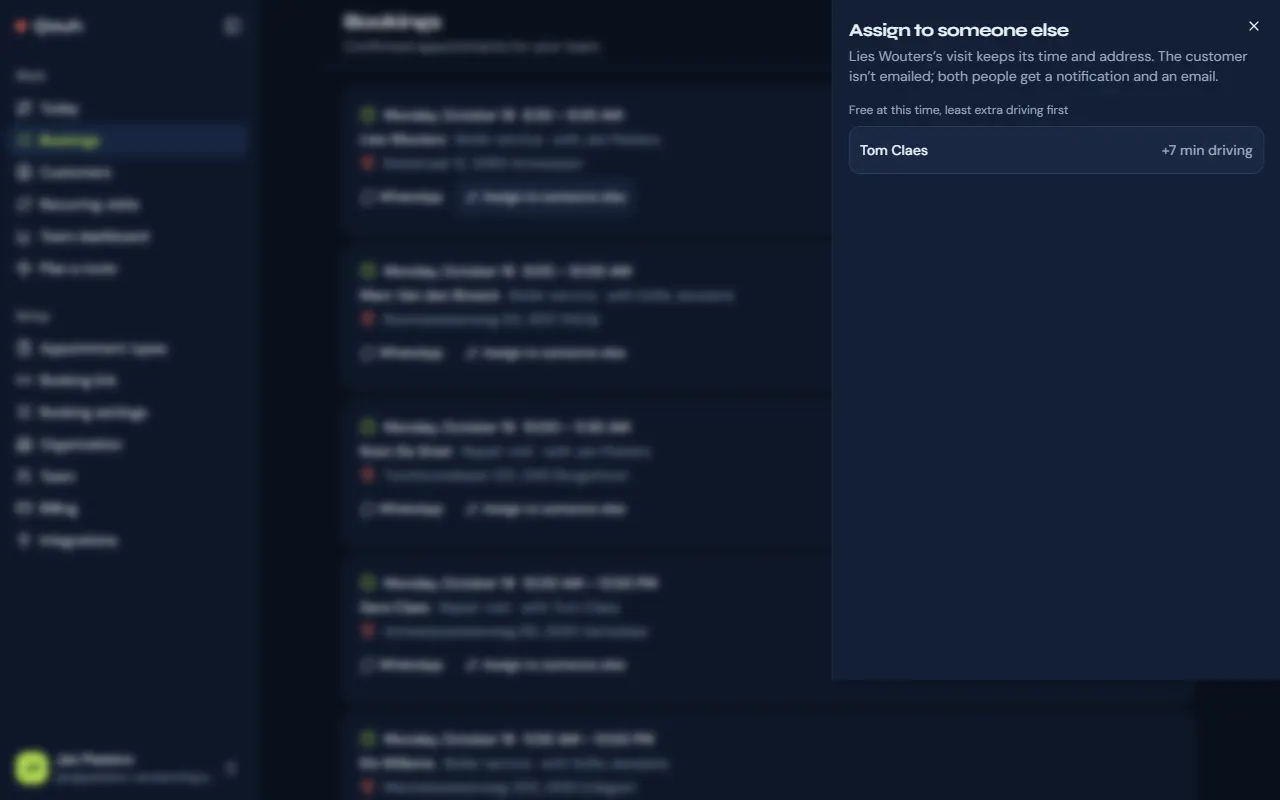
Owners and admins have “Assign to someone else” on each upcoming booking. It shows who is free at that time, least extra driving first. The visit keeps its time and address; both people get a notification and an email, and the customer isn’t emailed.
Move a visit
Customers move their own bookings with the link in their confirmation email. On Today you can put the day in a better order (“Optimize day”, or by dragging), which may shift times a little; every customer whose time changes gets an email.
Cancel a visit
Cancel from the stop on Today. The customer gets an email that the visit is cancelled, and it is removed from the calendar.
Still stuck? Ask us.